Ask any teacher in Nigeria what they dread most at the end of term and the answer is usually the same: results. Adding up continuous assessment and exam scores, working out totals and averages, ranking positions across a class, writing remarks, and assembling report cards — by hand or in fragile spreadsheets — costs entire weekends and still produces errors. Automating it is one of the highest-return changes a school can make.
Why manual result computation fails
Spreadsheets feel free, but they fail at scale:
- Errors creep in. One mistyped formula or dragged cell can mis-rank a whole class.
- It doesn’t share well. Several teachers editing the same file leads to clashes and lost work.
- It’s slow. Positions, averages and report card assembly multiply across every class and arm.
- There’s no approval trail. Mistakes reach parents before anyone catches them.
What “automated” actually means
With proper result and report card software, the workflow becomes:
- Teachers enter raw scores once — CA and exam, per subject.
- The system computes everything — totals, averages, grades against your boundaries, and positions in class.
- Report cards generate automatically — branded, with remarks, attendance and class averages.
- Results pass through approval — form teachers and the principal review before anything is released to parents.
The teacher’s job shrinks to entering scores accurately. The maths, the ranking and the formatting are no longer their problem.
Set up grading to match your school
Automation only helps if it reflects your actual policy. A good system lets you configure:
- Grade boundaries (e.g. A = 70–100) to your standard.
- Weightings between continuous assessment and exams.
- Remarks — automatic or teacher-entered.
- Report card layout, including your logo and the fields parents expect.
Set this once and every term follows the same rules consistently.
Keep an approval step
This matters as much as the computation. Results carry weight — a wrong score or position erodes trust fast. An approval workflow means form teachers and management review and sign off before parents see anything, so errors are caught internally rather than in a parent’s hands.
Connect exams to results
If your school runs computer-based tests, scores from CBT and online exams should flow into the same academic record as the rest of the term’s work — no re-entering, no separate system. Objective questions are marked the moment a student submits, which removes another chunk of manual work.
Keep cumulative records
Finally, automation pays off across years: a complete academic history per student, ready for transcripts, references and parent meetings, without digging through old files.
The payoff
Schools that automate result computation routinely turn a multi-day ordeal into an afternoon, with fewer errors and report cards parents actually trust. Teachers get their weekends back, and management gets confidence that what goes out is correct.
If you’re comparing tools, our guide to choosing the right platform explains what to look for in grading and report cards specifically.
Frequently asked questions
Can software really compute positions and averages automatically?
Yes. You enter raw CA and exam scores and the system handles totals, averages, grades and positions based on your configured policy.
Can I keep my school’s grading scale and report card format?
Yes. Grade boundaries, weightings, remarks and the report card layout are all configurable to match your school and curriculum.
Can results be checked before parents see them?
Yes. An approval step lets form teachers and management review and sign off before results are released.
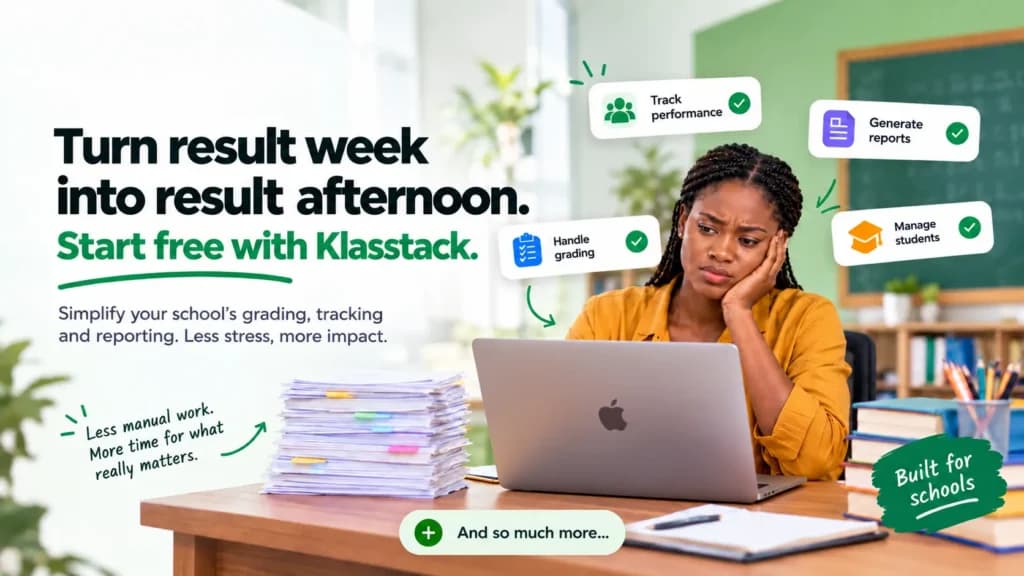
Turn result week into result afternoon. Start free with Klasstack.